I was missing one reasonably simple (but still hard to find) action in order to escape with the Bluestone; I did try the next part of the game but it didn’t go well.
Just as a reminder, I had found a key, the bluestone, a gun, and a memo, and I was now looking for a way out of the base on the planet of Ariosferia. I received the verbs USE, TAKE, SHOOT, and PUSH from pressing the HELP key.
Kazuma Satou informed me in the comments that I had missed a feature; if you are being prompted for a noun, you can hit HELP in order to get them listed by the game. Hence you don’t have the guess that the GUN is a GUN (assuming you’ve understood this aspect from the instructions).
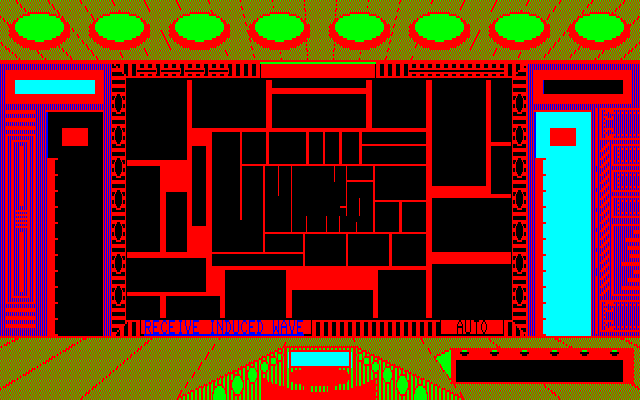
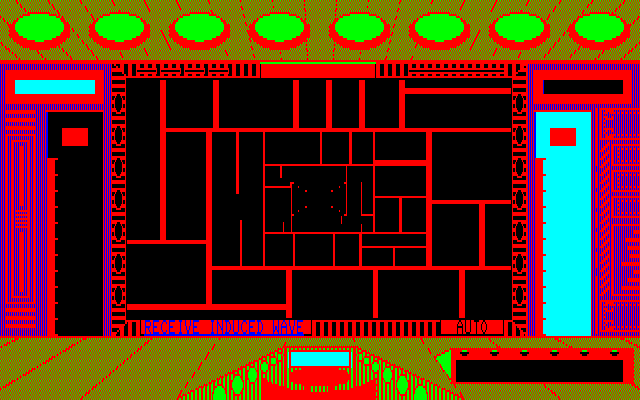
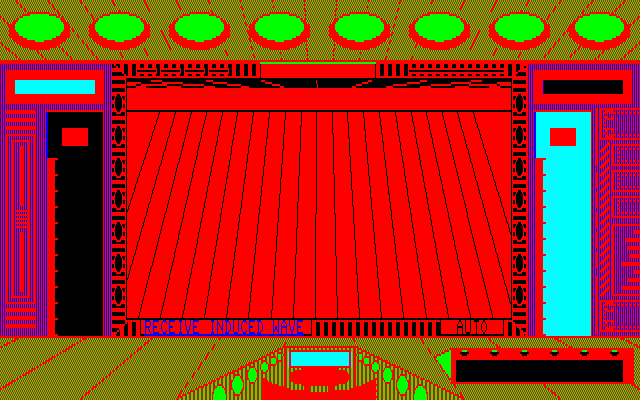
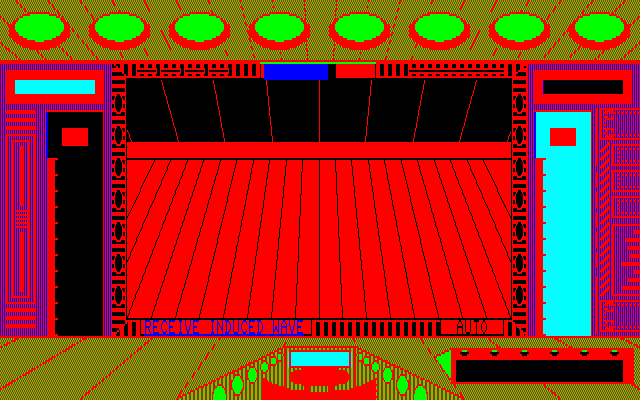
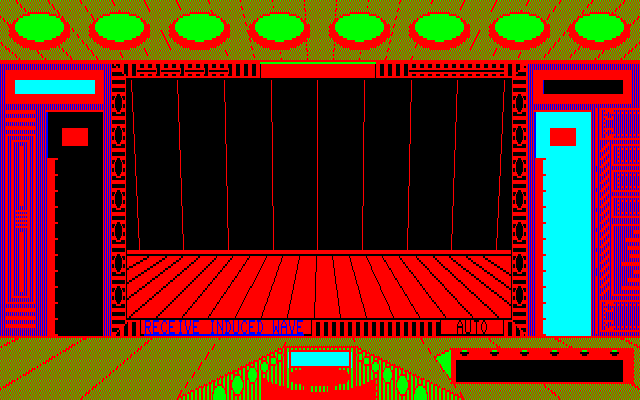
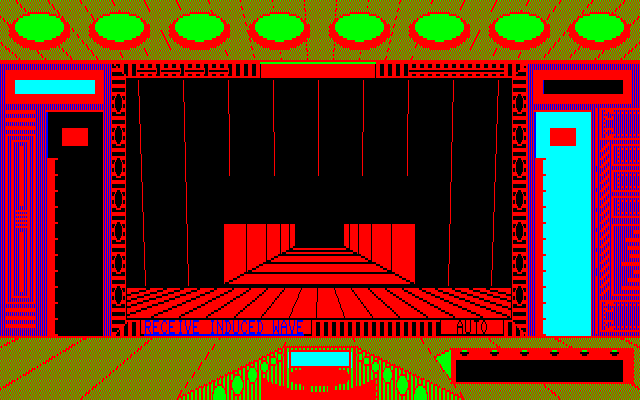
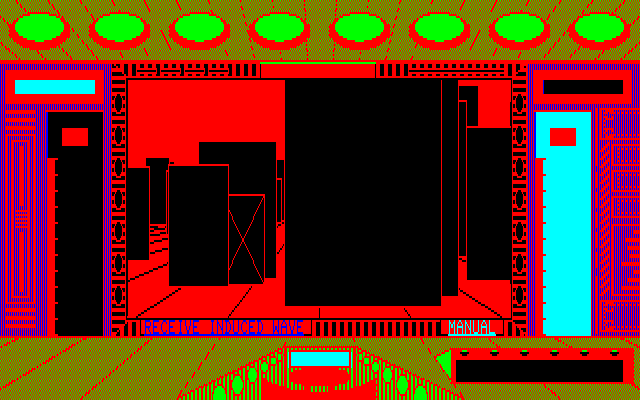
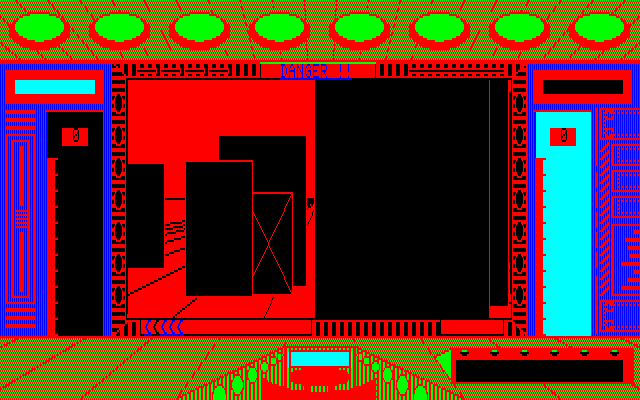
I went around every surface of the game trying to apply USE, SHOOT, and PUSH in order to see if I could get some kind of reaction. It turns out the end-hallway figures are very different.
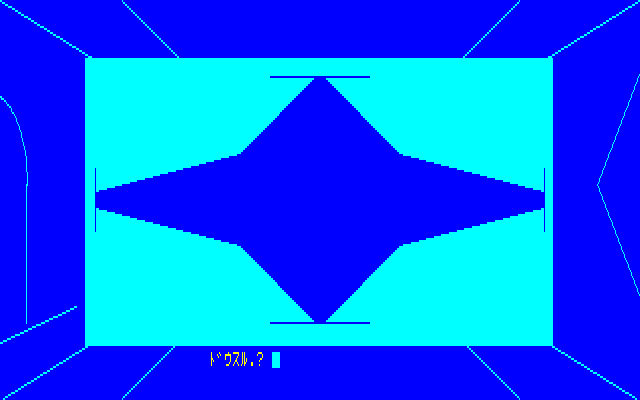
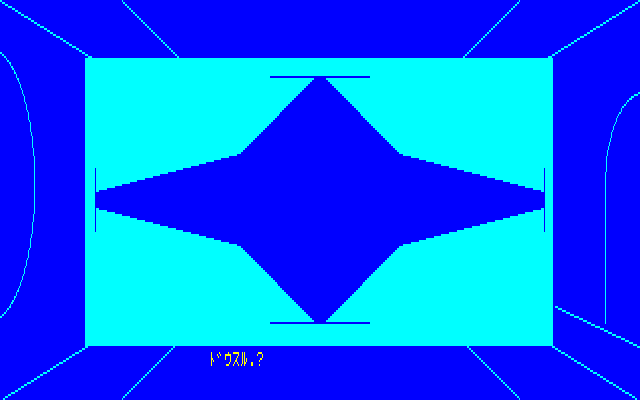
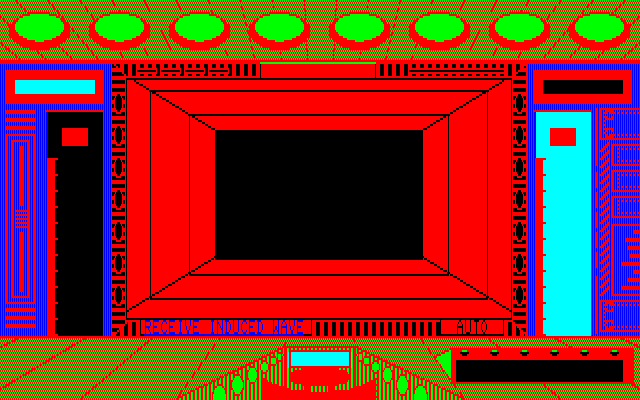
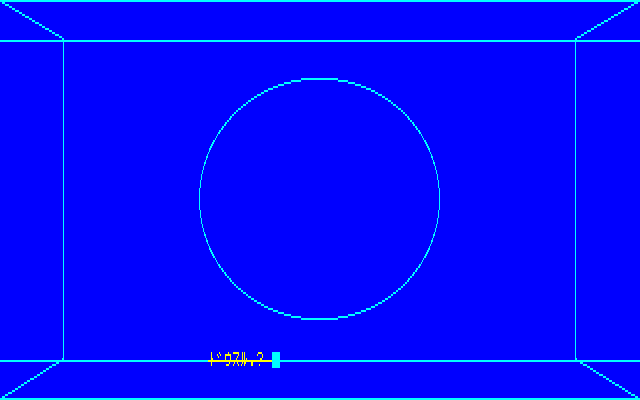
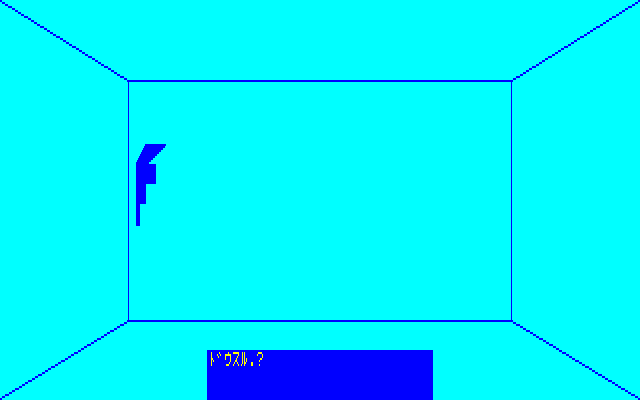
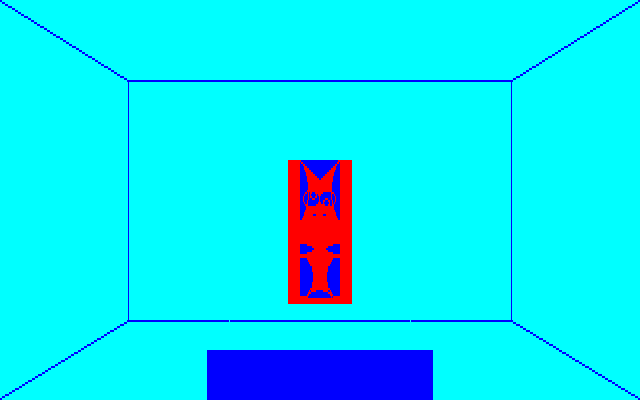
This is the end of the hallway on the left.
This is the similar-looking end of the hallway to the right.
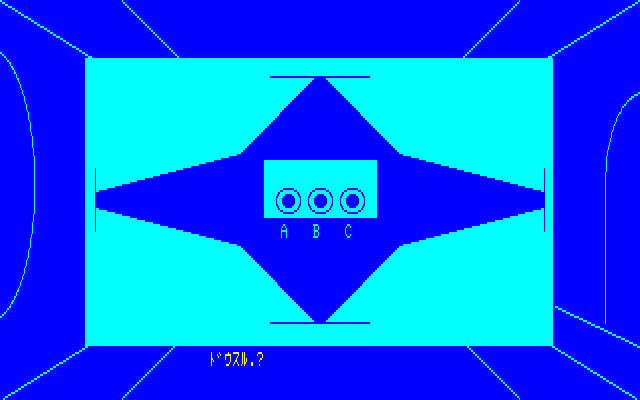
If I tried USE on the right side (and only the right side) the game was asking me for a noun. I went through my held items and found that using the KEY then went back to asking me for a verb again, and I was very confused since it didn’t seem like anything happened, and in fact the game is prompting you for your next turn a specific action, and if you don’t that it resets the variable (that is, you go back to needing to USE KEY again). If you type OPEN right after using the key you reveal hidden switches.
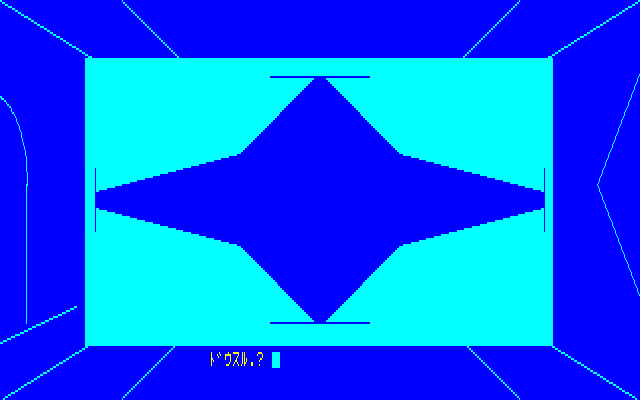
This is an entirely random choice, and there’s no save feature to the game, so after struggling through the combat and going through the sluggish adventure session you now have a one-third chance of just dying. Good luck!
(For me the correct switch was SWITCHA.)
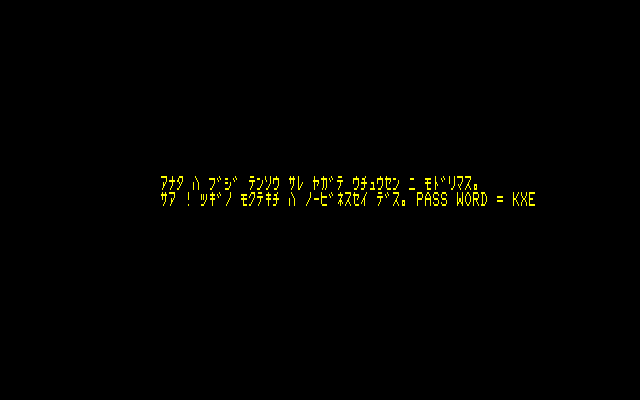
(Immediately after this scene, the game does a LOAD”CAS:” to open the next part of the game. You can theoretically LOAD”CAS:” twice from the start to jump to part 2; only not knowing the password is stopping you.)
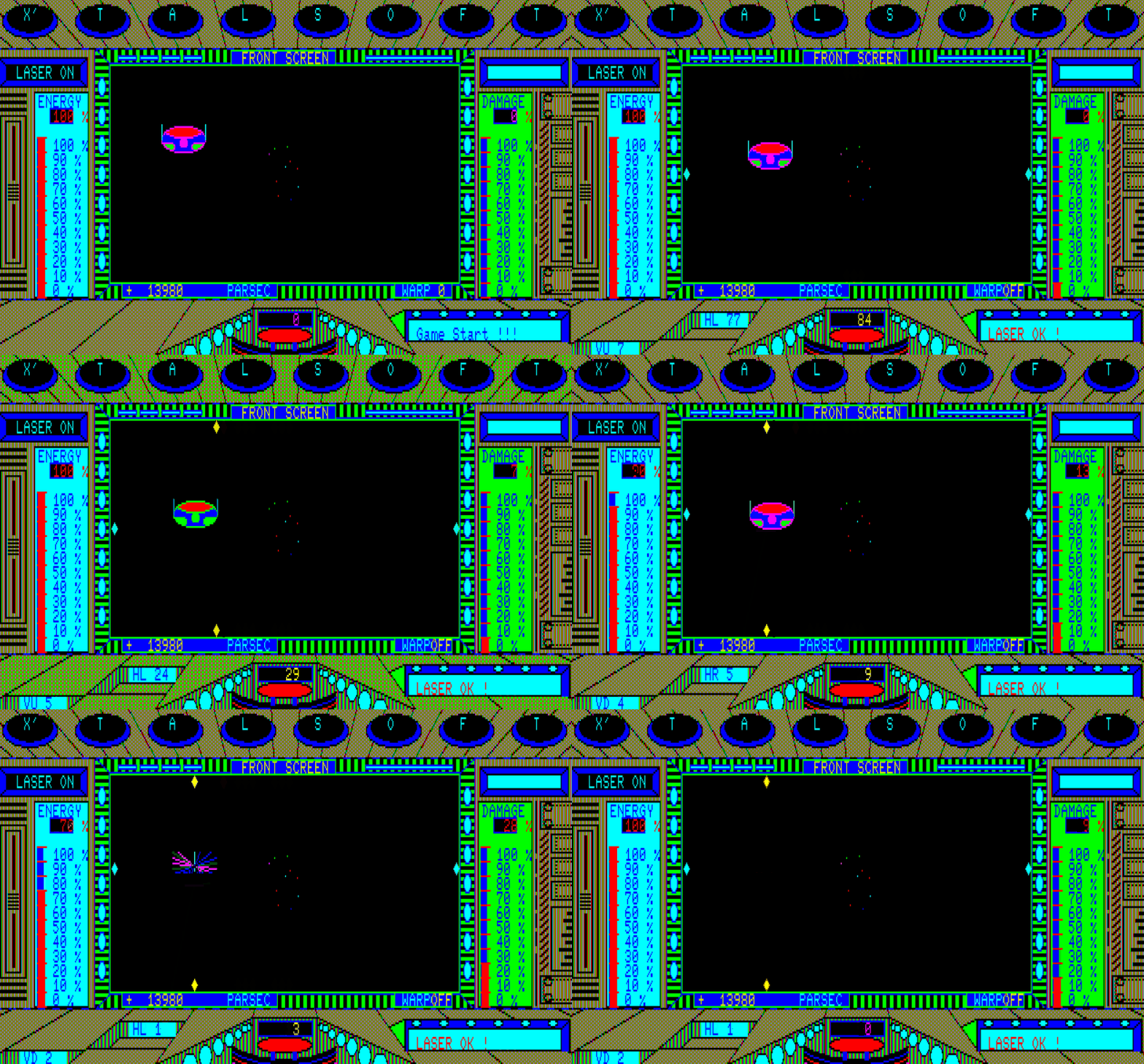
We’ve been teleported back to the ship and are ready to go onto the next phase. Unfortunately, the ships are just as irritating and deadly as before. (At least not invisible; the comment in the Oh! MZ guide said something about this but it meant that their movement is invisible; that is, you don’t see sprites smoothly changing places but rather “jumping” between points like an old LCD handheld game.)
Reader, I tried. I tried for far longer than I really ought to have. I tried using Antimicro to map my gamepad to the right keys; while this made playing a little more comfortable, but it didn’t change the fact that the laser movement is outrageously slow compared to how quickly you get destroyed, and this level has the downside of it not being as obvious which planet you’re aiming at (you’re going for something red … I think).
Mid-warp.
Attacked. This enemy is in a good spot, but that’s no guarantee for the next five enemies.
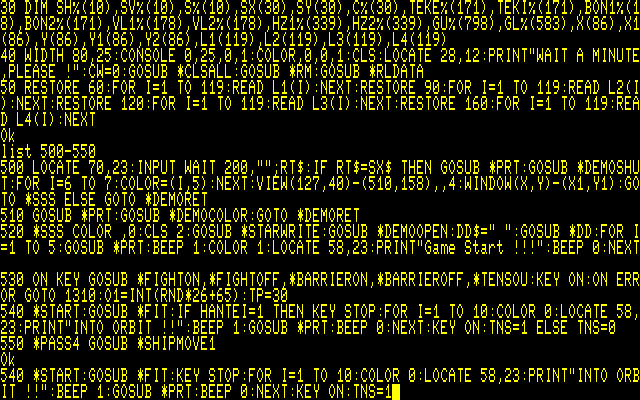
It was time to resort again to hacking.
This is me typing in a replacement line. Compare it with the original two lines up.
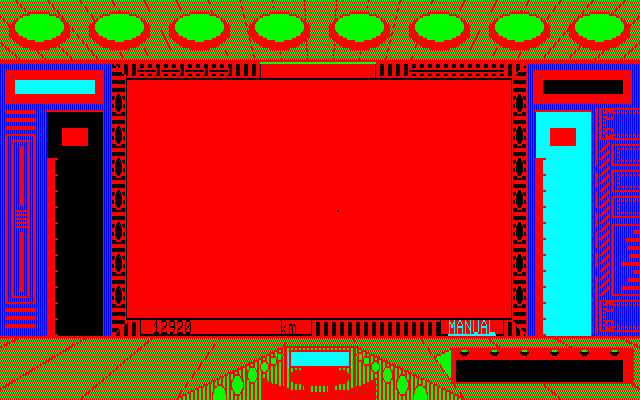
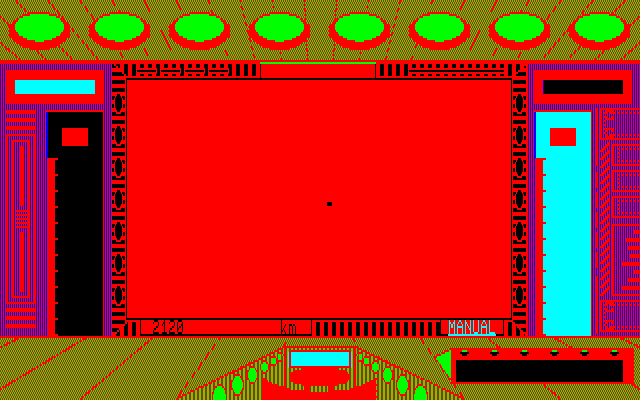
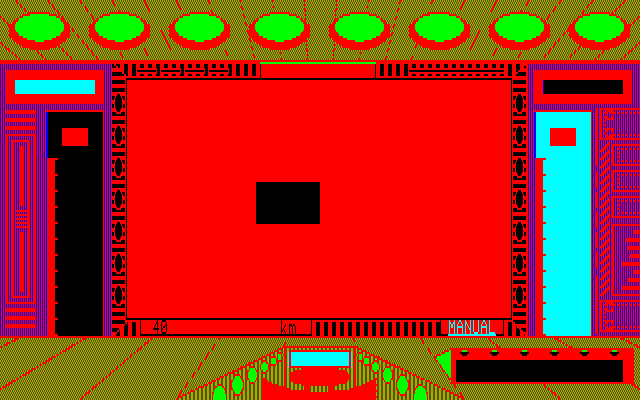
After the game had a moment of confusion it brought me INTO ORBIT, closed the spaceship window, and opened it again on a red environment with a dot in the background. I could use warp to get closer and aim but without any enemies around.
The dot was constantly moving to the right so I kept having to adjust my center aiming every few steps of warp.
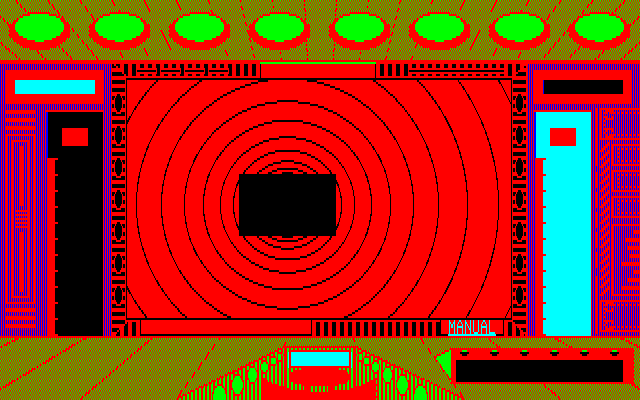
The controller for the planet launcher is supposed to be a black rectangle.
Once I reached the screen above (and pressed F5, although I am unclear if I needed to do that), a very very long cutscene started. It is long in that it is being drawn on a PC-88 and I found in the end weirdly magnificent and impressive. I would probably not find it so impressive if I died in the scene after and had to redo the entire thing.
I’m showing far more screenshots than usual. Keep in mind each frame lasts about two seconds, and I’ve still cut many of the in-between frames.
And then…
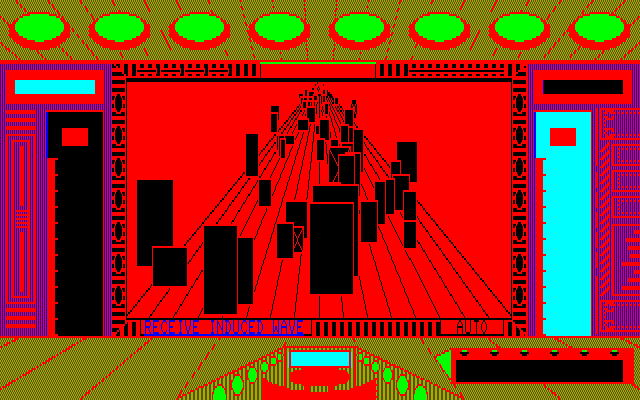
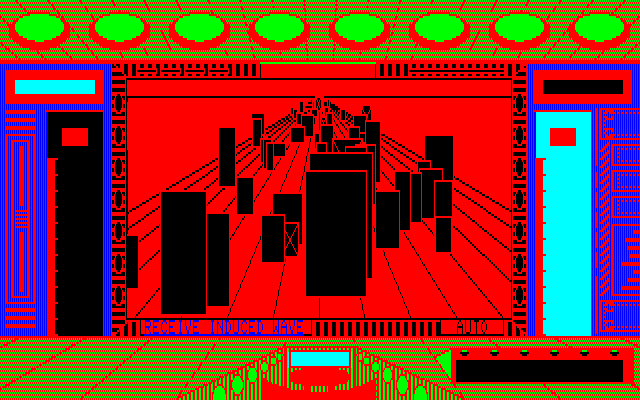
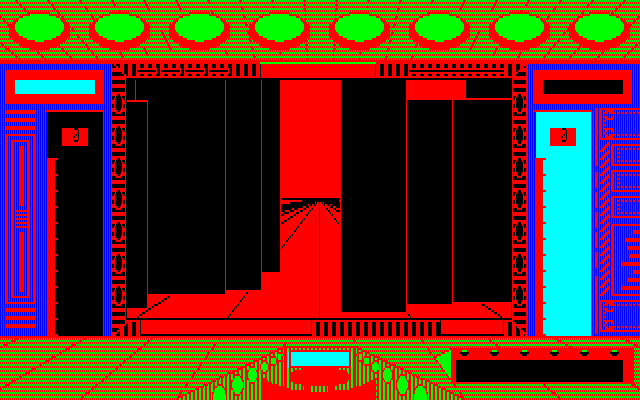
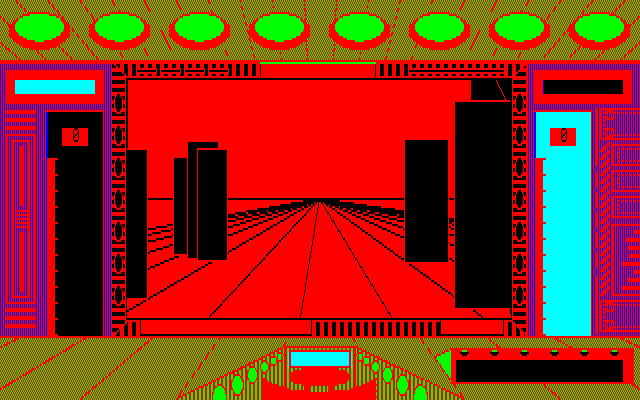
…a sea of monoliths. You now can control movement, using up/down/left/right, with it being agonizingly slow as a bar fills at each step.
Midway filling a “charge” that will turn us a step to the left.
Pressing F1 will show either an arrow left, arrow right, or double-arrow (which I think indicates “you’re pointed the right way”). The problem is you need to navigate the monoliths without hitting things.
My spaceship being destroyed because it collided with one of the monoliths.
I found this section terribly confusing as it doesn’t appear like the things you hit are the monoliths? Or at least you can sometimes steer towards what appears to be an empty path, move forward, and crash.
Moving forward here crashes into apparently nothing.
The goal, according to the manual, is to find a series of six rectangles that you shoot with the Revival Ray (powered by the Bluestone) and you’ll be able to escape. Oddly enough, it appears to be impossible to crash moving backwards, so the way to position yourself is to slide far to the right (past whatever hitboxes the game thinks are there, visible and invisible) and slide forward the right amount, then slide back into place. At least I think this is the strategy, as I haven’t found a single one of the rectangles, and this is with occasionally hitting the “speedup” key to keep the sluggish movement from being so sluggish.
I’m far past adventure territory so I can consider this one done. The cinematic ambition is impressive and I found the imagination of both “act 2” sections I experienced to be exciting, just janky and undercooked for BASIC source code on an ancient system. The “ship docking” section with giant monoliths made me think the author was trying to make cinema more than a game. Not only thinking of 2001 here, but the long special effect sections of Star Trek: The Motion Picture.
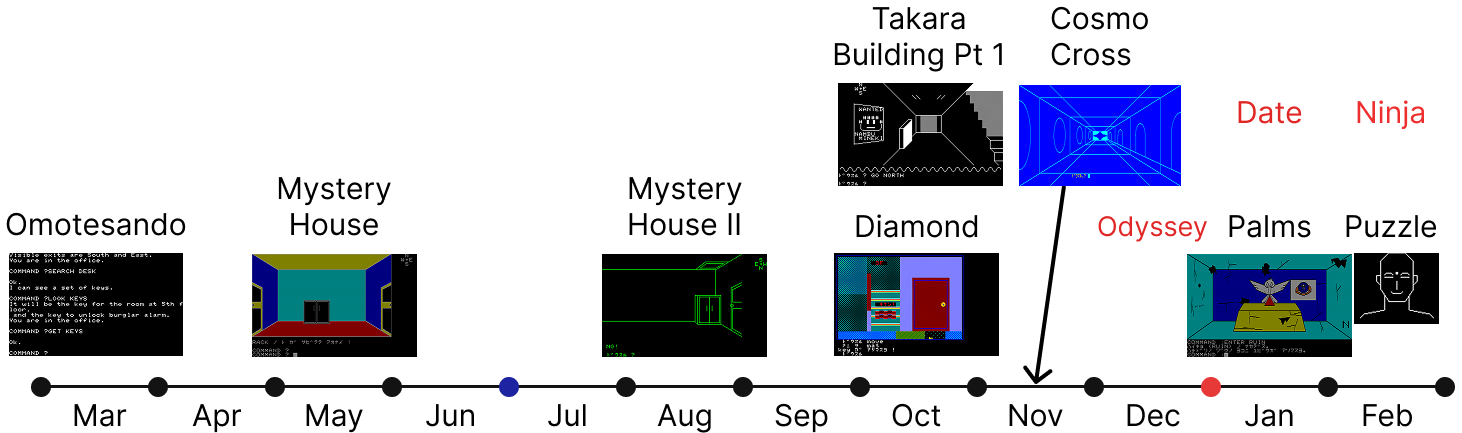
On my timeline of early Japanese adventure games, this technically lands somewhere in November of 1982, as the earliest ad that Rob found was in December of 1982.
Given the by-hand local distribution early in Osaka, I’m inclined to think that month might bump back a little, after Mystery House II but before Diamond Adventure. However, other games (like Diamond Adventure) may have ended up in displays in local computer stores early as well, so for consistency I’ll place in November against the ones we’ve played:
Xtal will return with more adventures, so if nothing else, this gives a preview of what their kind of thinking might lead to. There’s even a sequel to Cosmo Cross by the name of Grand Cross, sorted as “ADV/RPG” although I’ll worry about what sort of genre it really falls into once I get past 1983.
I’ve made progress on but haven’t yet finished the ADV part of Cosmo Cross; while I suspect the section is short, I made it through enough content to report in.
To continue from last time, I had found some difficulty beating the space combat portion that starts Cosmo Cross, so used the raw power of editing the BASIC code to jump to the part most relevant to this blog, the adventure. Once reaching orbit you activate a signal device and get a text message about getting teleported to Ariosferia.
Soon you will see the surface of the planet, and arrive at the entrance to the base at its center.
The instructions also warn “you must never look behind you.” You’ll see what’s going on with that shortly.
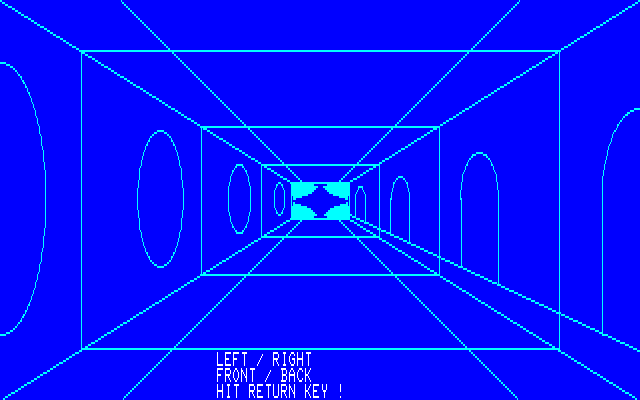
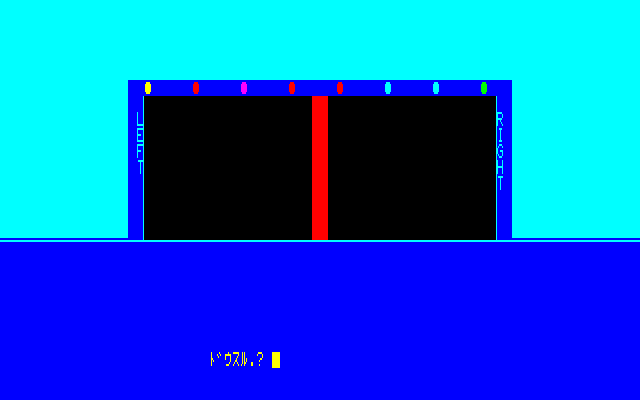
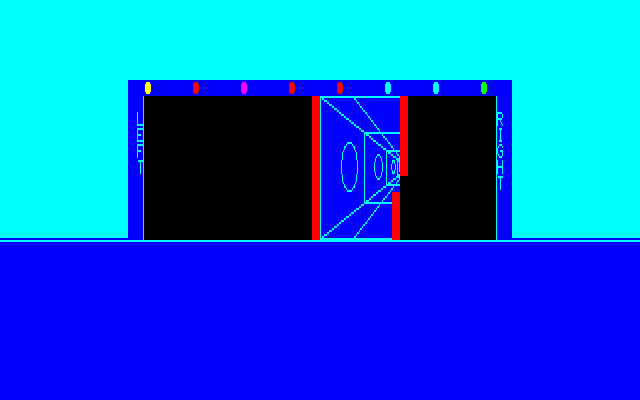
The parser is the kind (like original Mystery House) that asks verb and noun to be typed on separate lines; confusingly, sometimes a modifier is also requested. Here, you need TO OPEN / DOOR / LEFT or OPEN / DOOR / RIGHT. This will cause an animation showing one side or the other opening, and then GO / FRONT (not FORWARD or the like) will advance inside.
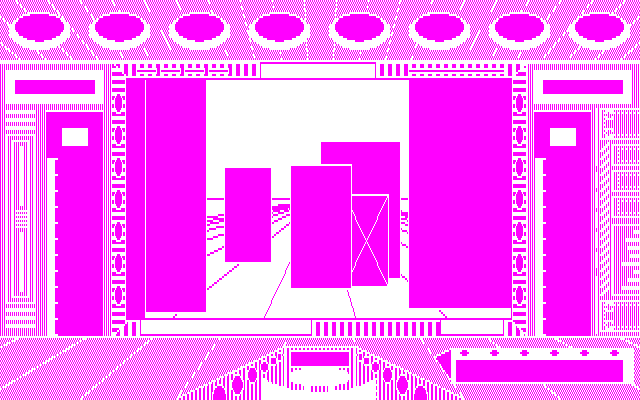
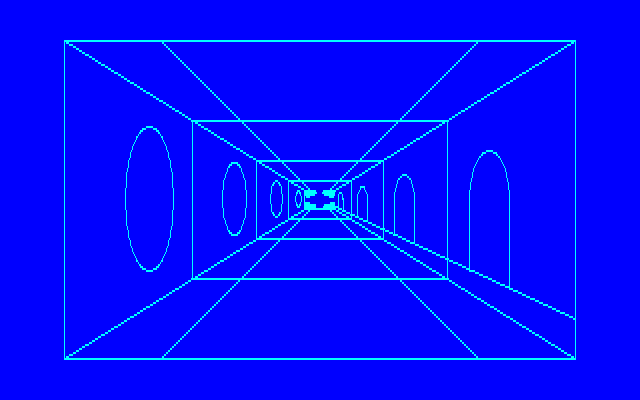
The left and right side consist of a series of four doors, and a series of four … windows? decorations? On the shot above when facing one of the windows I haven’t been able to do anything. After TURN / LEFT:
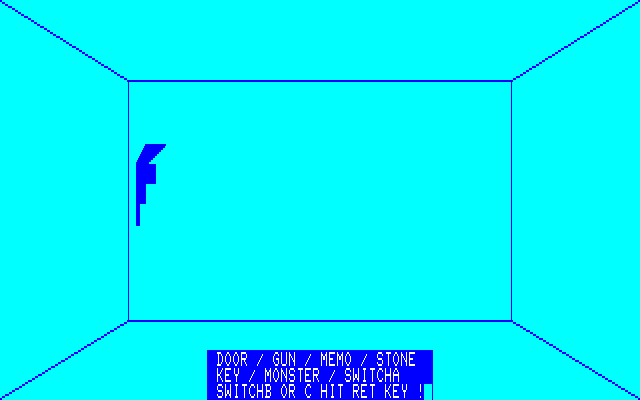
The game gives a full list of verbs if you press the HELP button on the keyboard. Other than OPEN, GO, and TURN which we’ve already used, there’s USE, TAKE, SHOOT, and PUSH. Helpfully, if you type one of these verbs and it doesn’t apply, the game will just prompt you for a verb again; at the “window” or whatever that is, I tried all four, indicating either some other condition needs to hold or they really are just decoration.
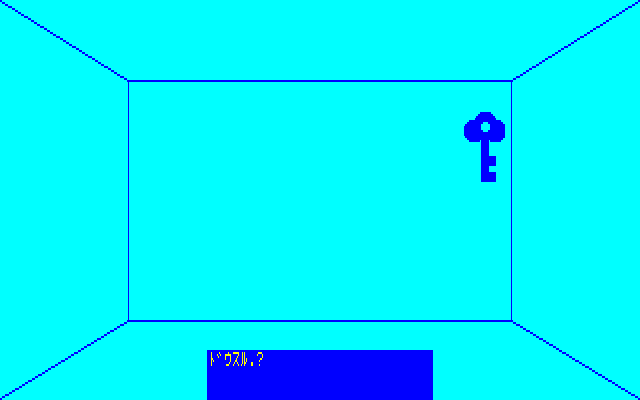
Opposite the symbols are doors leading to single rooms. Some are empty, some have items. The big issue has been identifying what the items are. While this one is clearly a KEY…
…what about this item?
After some squinting and thinking about the word SHOOT on the verb list, I decided (correctly) it was a GUN.
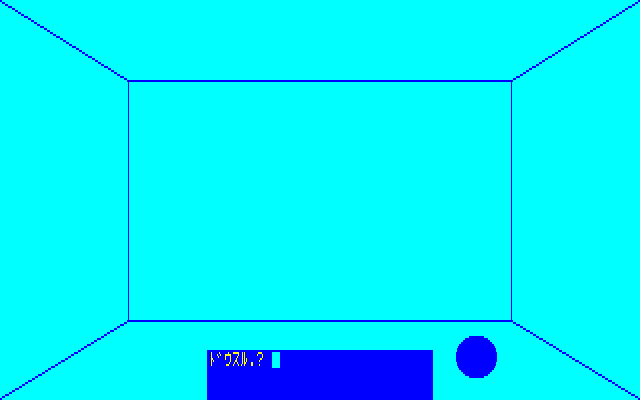
It was a bit harder for me to realize with the screen above I was dealing with the STONE (that is, the Bluestone we’ve been trying to find).
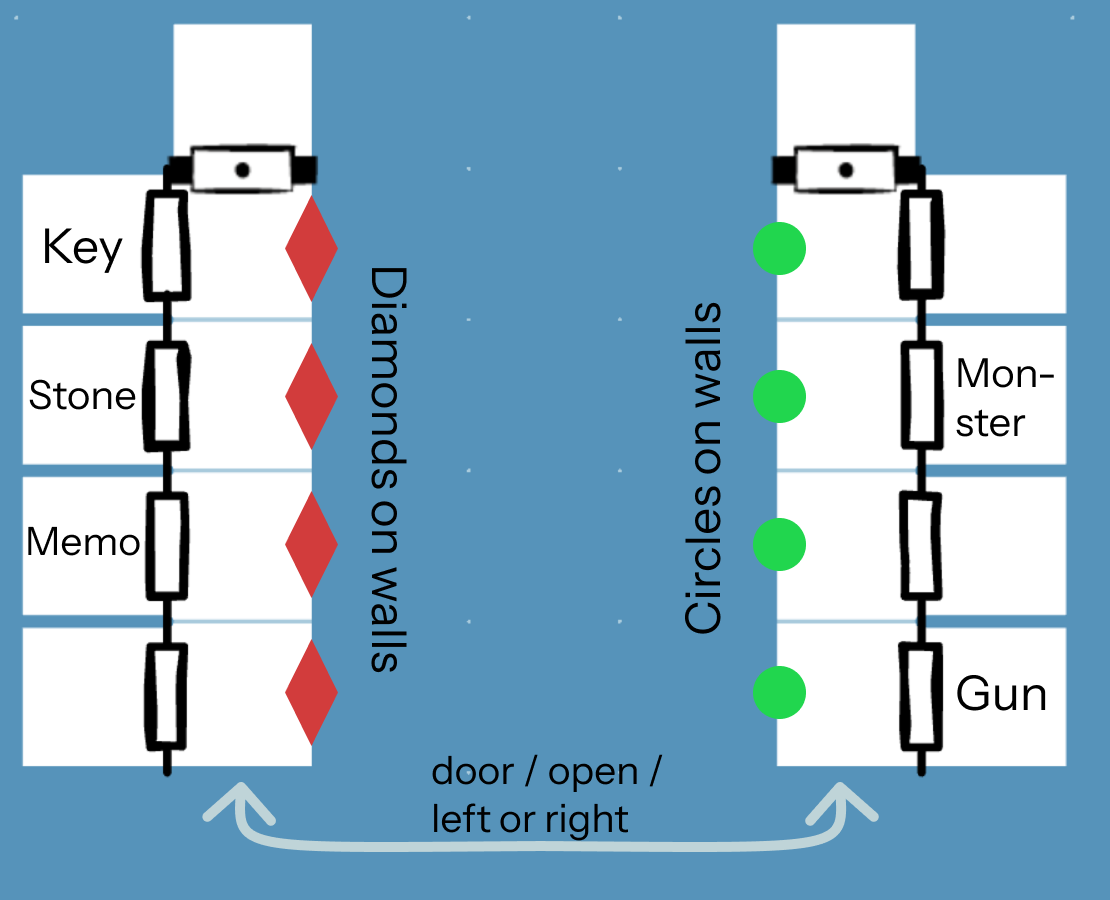
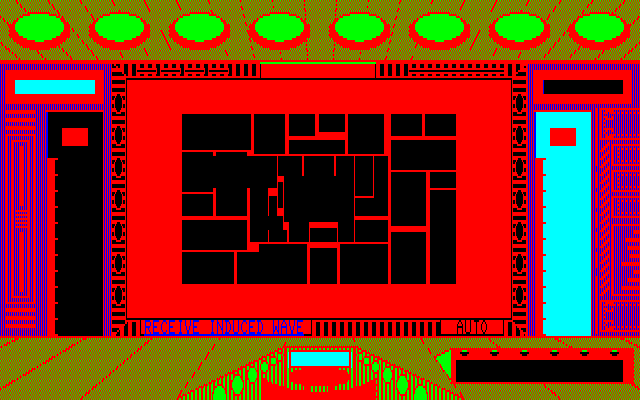
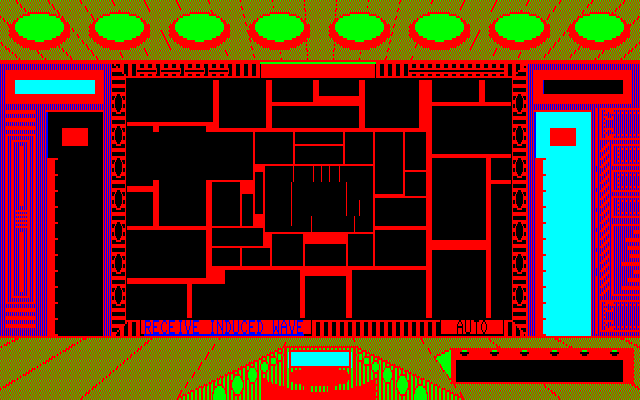
Here is the complete map of the two sections (at least in my playthrough – I’m fairly sure everything seen can shift around):
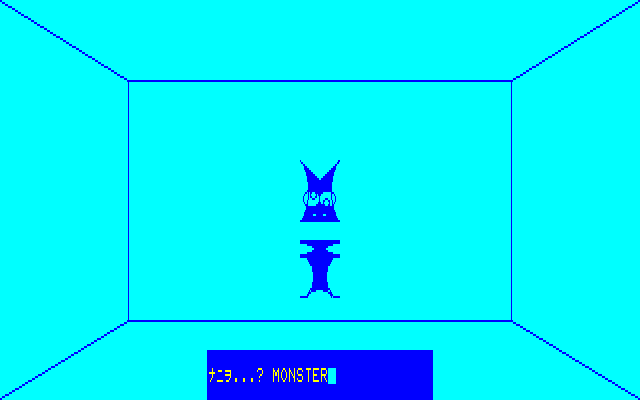
The “monster” is the one oddity; a creature moves around when you walk in, and it took a lot of noun-hunting before I decided to SHOOT / MONSTER. There doesn’t seem to be any positive effect. I may be in a situation like the squid in The Palms where the encounter is “optional”.
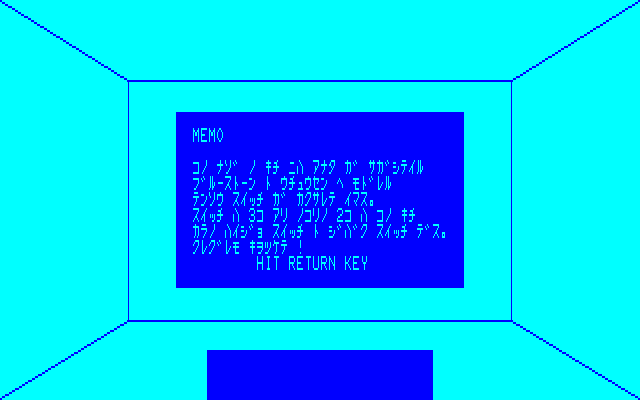
One room has a rectangle where the only reason I could come up with MEMO was the suspicion the author had played Mystery House 2. Taking the memo reads it automatically.
The memo indicates the Bluestone and the teleport switch to return to the spaceship are both hidden, and that there are three switches, including a “self-destruct” switch.
Two more details: the end of each hall has a figure which may or may not be passable. Via testing verbs I found the game was wanting USE, yet none of my items — and I apparently had all of them available — did anything useful.
Finally, there’s the ominous “don’t turn around” message. If you turn to face “south” on my map you will outright die. This might have been a dodge to get out of drawing the opening room, but it’s a wonderfully atmospheric way to do it. I always felt a small bit of pressure while walking around even though this isn’t an intense/time based area like the first section of the game was.
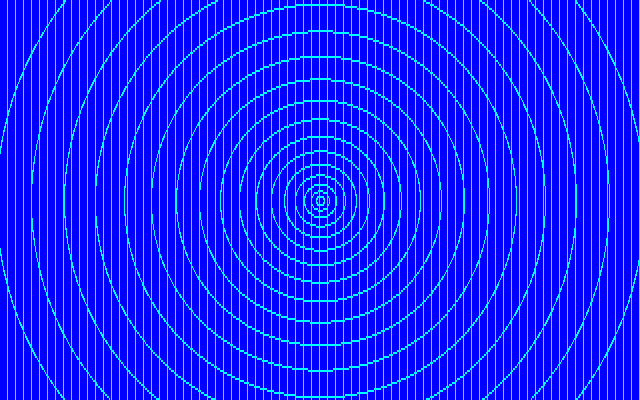
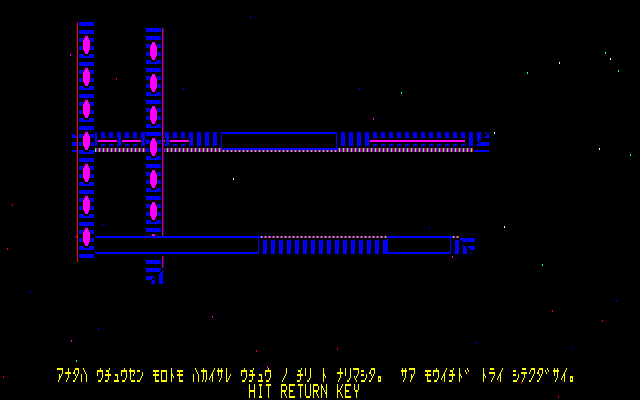
Sent to another dimension!
My guess is at least one of the “windows” or whatever those are have some extra secrets, so I need to laboriously test each one; the game tries to animate movement as much as it can so every step is sluggish. I still expect an escape with the Bluestone next time, and I’ll at least try the later sections; no promises I’ll get that far, though.
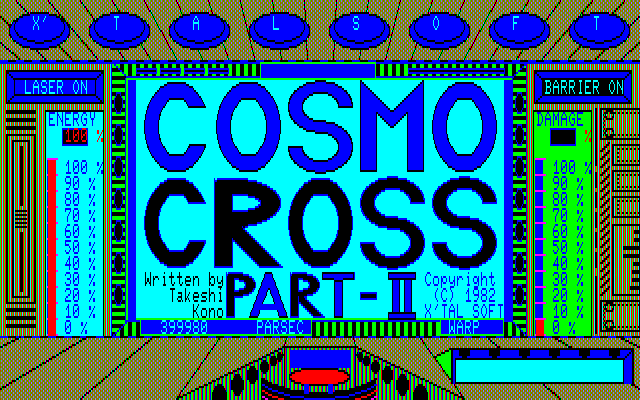
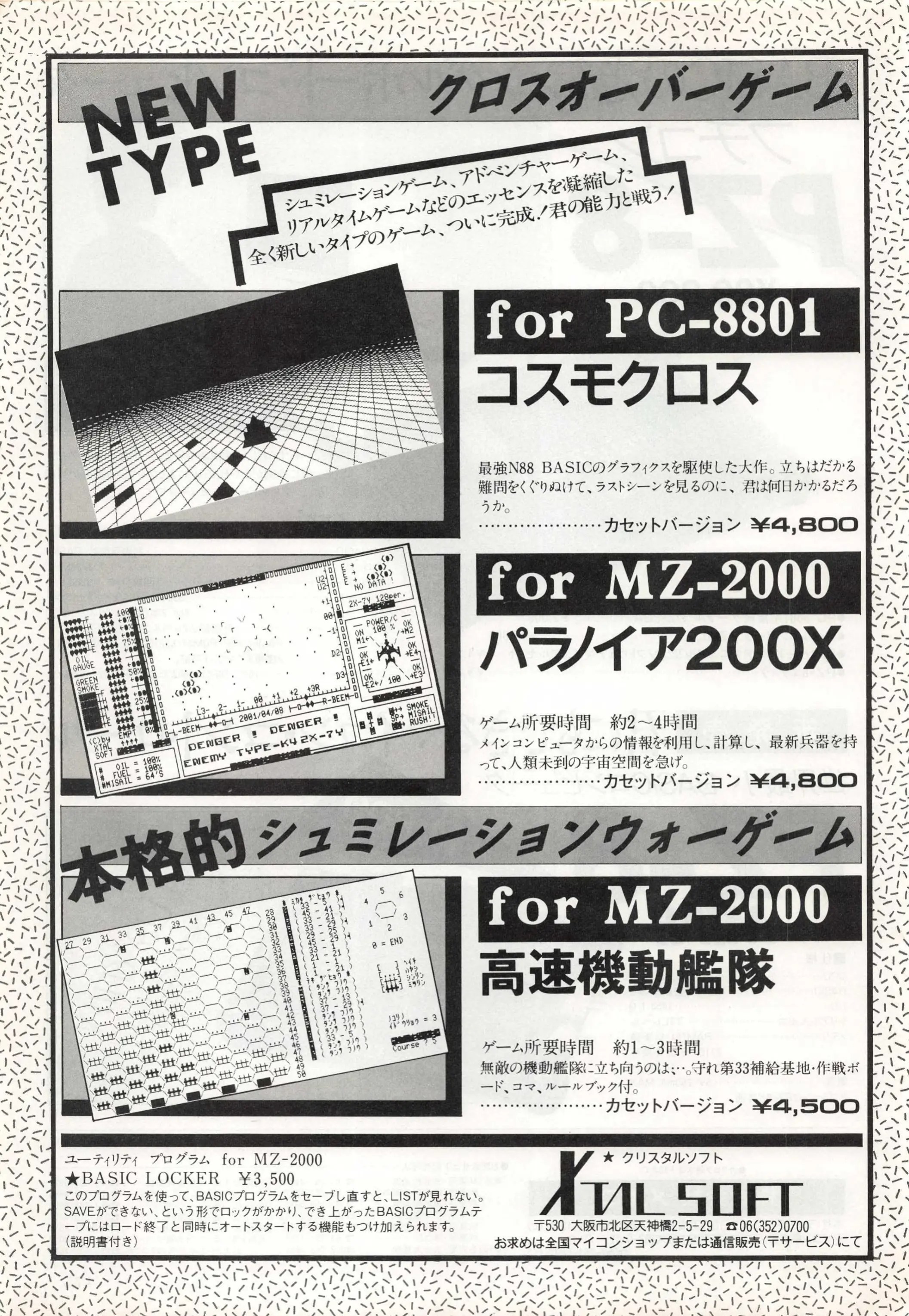
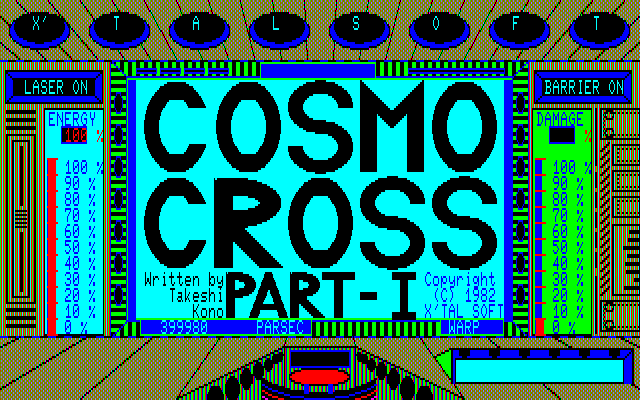
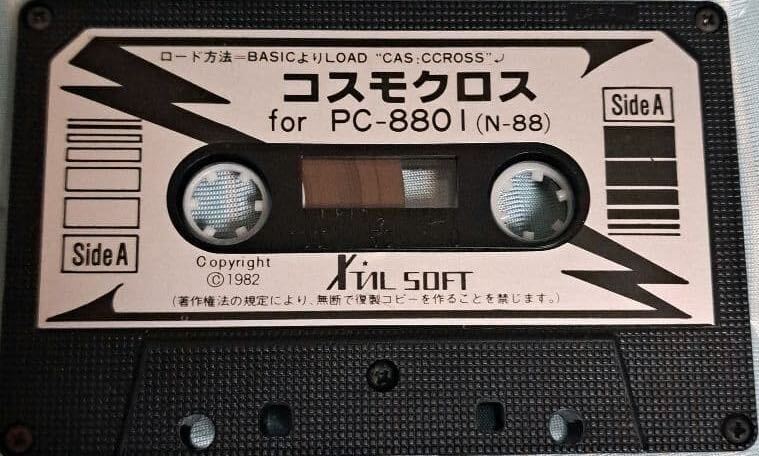
The company for today’s game, confusingly, goes by X’TAL SOFT, XTAL SOFT, or CRYSTAL SOFT depending on what document you are looking at. At least the title of the game is straightforward:
Except for the “Part-I”, thing, but that’s not part of the title; the game was sold as one whole but the three different parts are accessible with different passwords. Part-I is reached with XTAL.
The founding president, Yoshiyuki Morita, was a music fan in high school (along with Takeshi Kono, who he discussed rock and guitars with) and after graduating from university he founded the music studio “SKY SOUND” in Osaka. I found a 1982 recording from the studio, if you want to hear what sort of work they did:
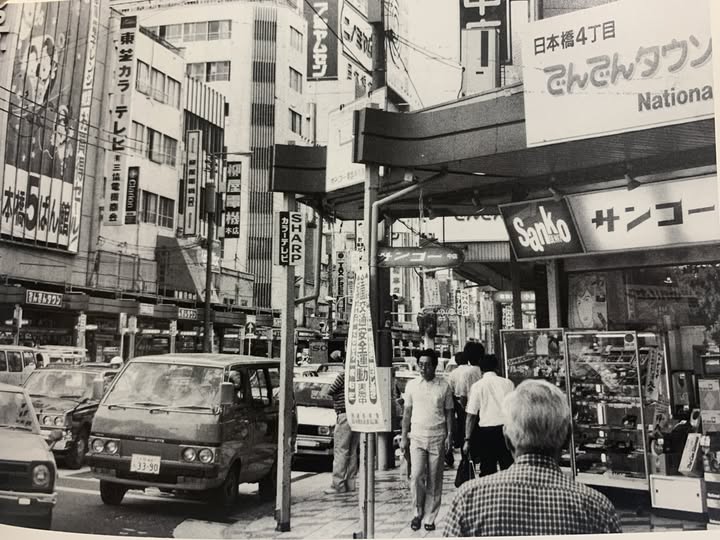
In 1980, he saw a PC-8001 in Nipponbashi (aka “Den Den Town”, the second big electronics haven in Japan after Akihabara), and bought a MZ-80B for his studio “under the guise” of customer management.
Den Den Town in the 1980s. Via @carllin117464 on Twitter.
He found the management software terrible and learned programming by modifying it to be usable. This experience gave him enough of a taste of software development he wanted to work on his own. Because of the tape-based nature of computers at this time, it was not that unusual to switch from music to games; he founded Xtal Soft in April 1982 and the company’s first product (Cosmo Cross) was written by his old acquaintance Takeshi Kono, who left his job to join. Initial copies were made manually for the local Osaka area, one by one.
Cosmo Cross eventually sold a solid 10,000 tapes and was enough to kickstart the company to life, although where they really established their credibility was the RPG Mugen no Shinzou (translated either as “Heart of Fantasy” or “Heart of Illusion”). Quoting the composer Chihiro Fujioka (who had joined the company in 1983), the game was “a bit hard to explain” and they were “anxious about whether it would actually sell” but “the game decided the fate of Crystal Soft.”
While they have multiple early adventures, they became mostly known for their RPGs; both Lizard and Crimson are available to play on Switch (Japanese language only, they never sold in English). Noteworthy is that the music for Crimson includes Sky Sound in the credits so they were still operating the same time as the software company.
For the purposes of today’s game specifically, I want to jump ahead a bit to 1990: Xtal Soft does a merger with T&E Soft, the latter most famous for the seminal RPG Hydlide. Takeshi Kono is still around as a game director. Mitsuto Nagashima is hired right before the merger as a programmer; his first project is the Japan-only (and technically impressive) vertical shooter Chikyuu Kaihou Gun ZAS…
…which he follows up with a game for Virtual Boy, one of the most famous for the system: Red Alarm. While Mitsuto Nagashima wore quite a few hats, according to an interview…
I was in charge of the game’s content, balance, enemy positions, and even parts of the story.
…the director of the game was Takeshi Kono, the author of Cosmo Cross.
ASIDE: Of the two top videos on Youtube, one calls it one of the very best Virtual Boy games and one calls it the worst. The reactions seem dependent on how people are able to handle the wireframe graphics, and this may be a case where the 3D looks different to different brains. Gunpei Yokoi, designer of the Virtual Boy, is quoted as saying, “when playing, you completely forget it’s all just lines” but that clearly wasn’t true for everyone. Digging into the Youtube comments: “in the actual game, it [the wireframe design] can actually make it difficult to focus your eyes because there is no surface to focus to.”
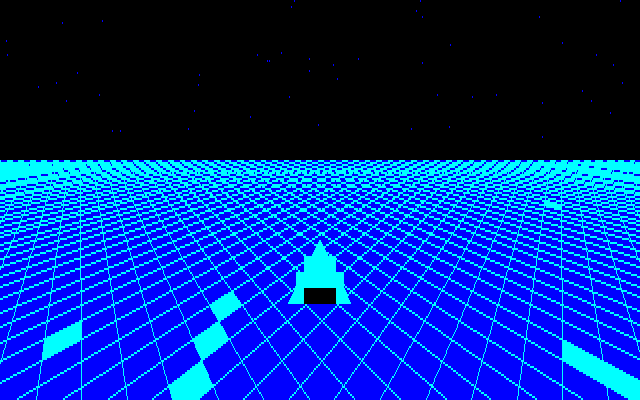
Cosmo Cross is part space shooter, part adventure game. It was originally for PC-88 (the version I’m playing) and later got a Sharp X1 port. It isn’t quite like Probe One: The Transmitter with both running simultaneously forcing the player to leap between joystick and keyboard rapidly; a better comparison is The Desecration, which switches between “arcade segment” and “adventure segment”. The Desecration’s arrangement is:
action (in space) – adventure – action (in space) – action – action (in space) – action
(I’m basing this off both the manual which describes Act 2 of Part I as “kind of an adventure”, but also the guide from a 1984 issue of Oh! MZ. “Action” is more like “simulation” but I’m being handwavy here.)
There’s hence only a little adventure going on, but it’s unusual and early enough in Japanese adventure history to be worth a play even if I skip by the other parts. The problem is getting to it! I spent a long time deciphering what was going on with Part I Act 1.
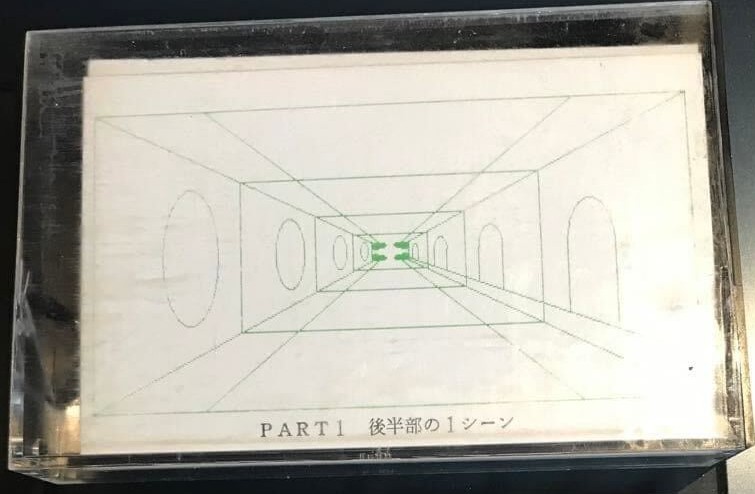
The game came with “instruction cards” showing each of the scenes. This is a scene from the “adventure” part of the game.
Plot: in the year 259 on the Octam calendar, humanity was expanding their space colonies, and started to have constant battles with the Zagros. While most humans had moved from Earth, they still regarded it with fondness, and so the Zagros came up with an evil plan: tamper with a device installed by ancient aliens — intended to keep planets stable — to instead fling a planet into Earth and destroy it.
Humanity pooled their resources to build a single spaceship, the Saint Cosmo, piloted by… you! Your mission is to
a.) fly to the “clear blue” planet of Ariosferia (アリオスフェリア) to retrieve a Bluestone (ブルーストーンを); note that “the Zagros have anticipated this and have set many traps on Ariosferia.”
b.) use that Bluestone to power a “Revival Ray” and fix the sabotaged planetary-stability unit.
There’s a lot of keys going on; there’s a summary here and the more full manual text here. The big issue is that there are three kinds of steering:
◆ The number pad is used to generally change which direction your ship is pointing at.
◆ While floating in space with no enemies, you can press up plus a number (1 through 4) to activate Warp at different speeds. You can backwards-Warp by pressing down and a number.
◆ You can press F1 to activate a laser (F2 to turn it off); then holding down arrow keys will move a “crosshair” around. You cannot do any other kind of movement with the laser on.
I often was befuddled trying to rapidly switch from one to another, and since any kind of stalling can result in being attacked by ships, the result of pressing F2 a little too slow for the umpteenth time can be deadly.
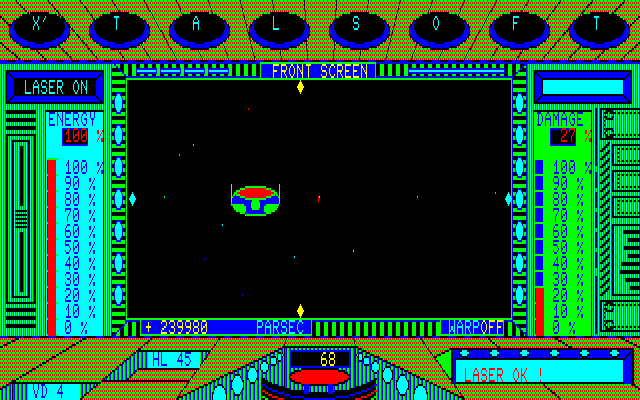
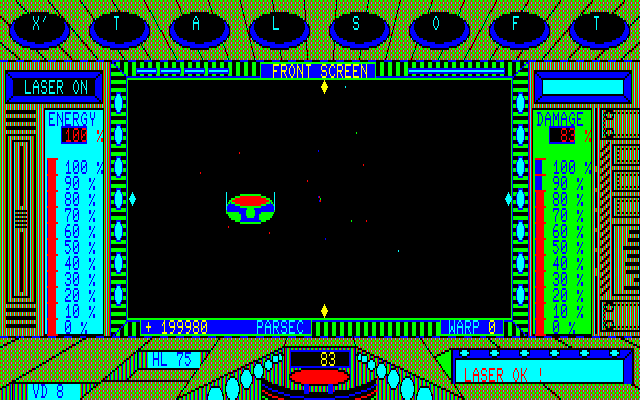
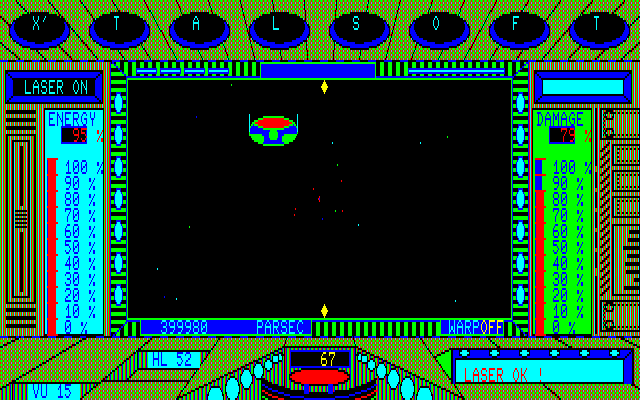
Facing a Zagros ship, with the laser active.
There’s also a “barrier” that the player can activate with F3 (and turn off with F4) which will absorb some enemy shots; there’s a lot of details and rules about what you can do with particular amounts of enemy damage (like reduced warp) but the important points are that killing an enemy gains you 30% energy, and in general if you start to get serious damage (past about 50%) it is almost inevitable that you are going to die.
Suffering major damage. Notice that the laser crosshairs no longer show on the right and left side; this is one of the results of the damage.
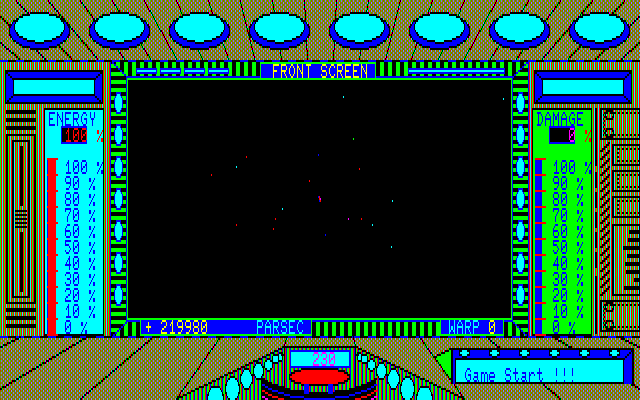
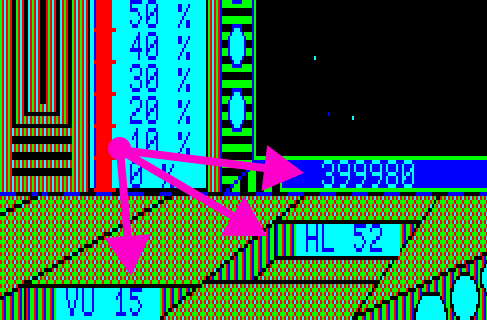
The numbers in the bottom left corner end up being important.
VU and HL refer to how far off you are from an enemy vertically and horizontally. If you get these numbers down to 0 you are dead center and your shot will automatically kill. (You can still cause damage and eventually kill if you aren’t direct on center.) These become super important later (in a section I haven’t reached yet, and will probably decline to play) when there are invisible enemy ships to contend with.
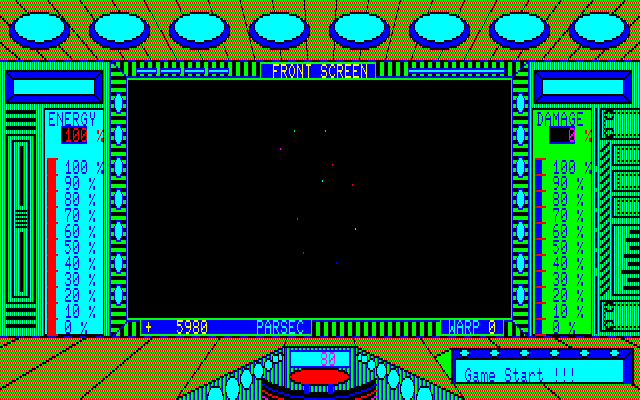
The PARSEC display indicates shows how close you are to the destination planets. There’s a whole set of planets off in the distance you can try to get closer and closer to, and you point to the right one with your number pad movement; if you aren’t pointing at any planet, the display saying 0 PARSEC will be black space. You need to be pointing directly at a planet to see it at 0, and the goal of each of the space sections is to fly to the correct planet.
Ariosferia (the initial goal) is the clear blue one as the instructions say; later sections apparently can have the colors change when up closer.
Closer to the planets, close enough that if you try warp speed 4 you’ll overshoot and the game will automatically switch to rear camera and you’ll need to use warp backwards. The blue one is in the lower right. It’s not true 3D space and you’re essentially on a “track” like the one in Red Alarm or Star Fox, just the way you point your ship matters when you get up to the <2000 parsec range.
I found this section extremely frustrating to play. You start almost like a game of Lunar Lander where you’re just watching a number (the PARSEC count) in the corner, first holding up and Warp speed 4 and watching the counter tick down, then switching at the right moment to warp 3, 2, and 1 as you get closer and closer. Somewhere along the line you need to stop and steer, and that’s when an enemy will almost definitely appear (they can catch you at low warp, but it’s less likely).
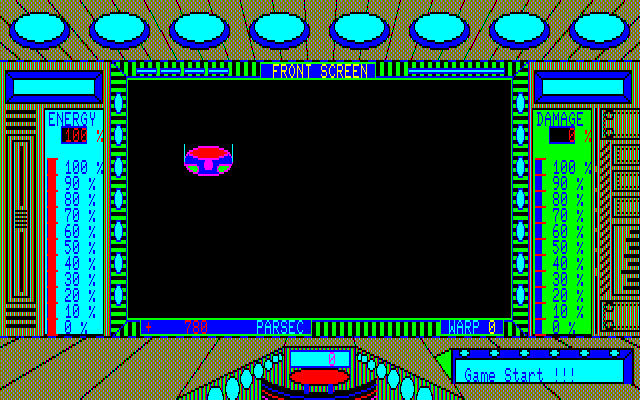
The big problem is that often ships will appear in a position like this…
…and the laser is very slow at moving. (You can’t do number-pad steering in combat.) You can take many hits just from moving to shooting position. Here’s a battle (with the barrier shields off) that went relatively lucky; often the ships aren’t as well behaved and you need to adjust multiple times:
I constantly found myself in a situation where I would sustain rapid-fire from an enemy ship and even with my attempt at moving the laser over as “fast” as possible eventually I just would die.
I finally threw in the towel, as this is All the Adventures, not All the Space Simulators. I have here a video of the game played on Sharp X1 cued to start right at “0 PARSECS” with the planet in view. Once pointed the right direction, your ship will enter orbit and you press F5 to activate the next section of the game.
The video above keeps going into the adventure part but does not finish it. Things get a bit complicated so I’m going to wait on delving into there next time. (The game is in BASIC, and I have a setup from gschmidl that will skip straight to the adventure.) I will try a few more jabs at the space combat, but unless I’m missing something I’ll say finding the Bluestone will stay as my ultimate goal, because I really don’t want to deal with shooting down invisible enemies in space.




 Renga in Blue